Making-of · Process

Building my website in 2 days with AI, the struggle bus.

Well, kind of. How I integrated Claude into my workflow to accelerate my work while focusing on the big design decisions.

ToolsFigma · Claude Design · Claude (Cowork) · Cloudflare
StackStatic HTML / CSS / vanilla JS
ResultLive & locked at jinie.design
Warning, this is going to be much longer than my other case studies. It’s a judgement free zone if you just want to go look at the quippy case studies with big moving images.
Before
After
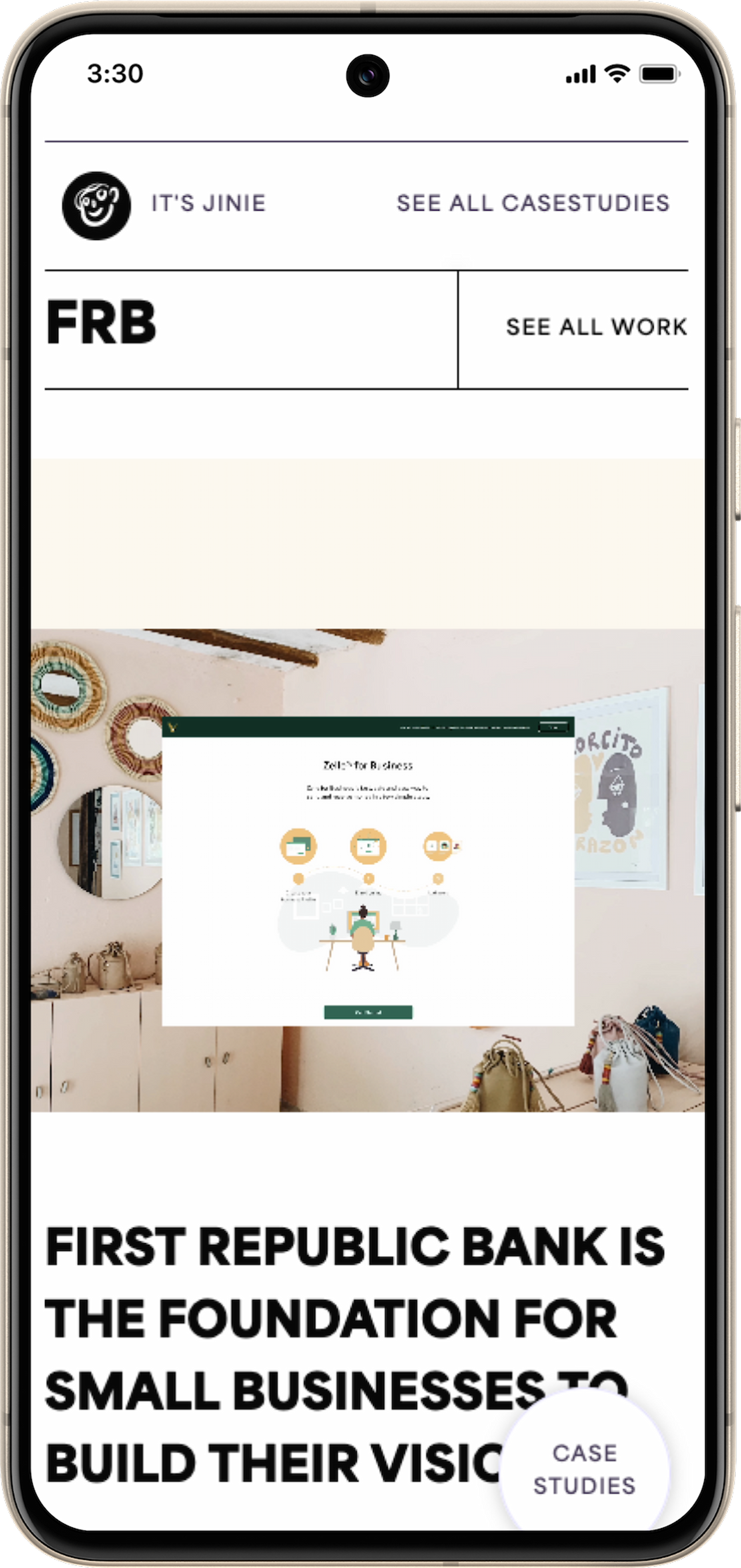
Before and after: the old site, and the one you are reading this on.
What Claude actually did

tl;dr you don’t have to ask Claude to summarize this page for you.

I come from an AI-first approach at Robinhood, used in a very content and redlining driven context. My exploration using Claude to start design to deployment 0 → 1 has changed my idea of what effectively working with AI looks like.

Accelerator & caretaker

It absorbed the work I context-switch around most: work-tracking, writing, and keeping the voice consistent.

I stayed the designer

It took on the parts that need doing but eat time, so mine went to the work better spent designing.

One knowledge base

My whole career logged out loud in one place, then mined to fill the gaps in case studies.

A starter to react off of

Fast first directions I could push against, calling out what I wanted and what I didn’t, then taking it into Figma.

A red-liner and filter

Quick high-fidelity mocks showed what worked and what was missing, so I committed to a direction instead of churning versions.

An implementer

Building, launching, and the QA that spots the bugs, including the mobile complexity where layouts quietly break.

Claude was harnessed to accelerate my design process, not be a designer.

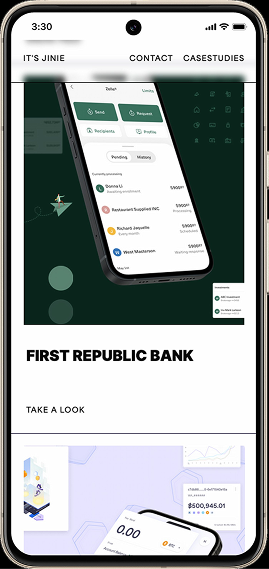
Old portfolio on mobile
Old portfolio mobile state breaking
The trigger

Good friends tell you your website sucks.

Before any of this, I took an honest look at what I had, and asked friends to tell me what they really thought.

Too much movement, doesn’t feel intentional.

The case studies had grown bloated, and the mobile states broke constantly. It reflected an old mentality: I had been having fun with Webflow and the control it gave me over how elements move on screen, but the purposeful, intentional decisions never carried through.
00 · The groundwork

Creating a database of my entire career.

Before any of the design or code, I did something that turned out to be the real foundation: I sat down and talked through my entire career with Claude as if it were interviewing me project by project. I narrated each case study the way I would in a portfolio review, and it asked the follow-ups a good interviewer asks. What was the problem. What did I actually own. What were the numbers. Why that decision and not the obvious one. What would I do differently.

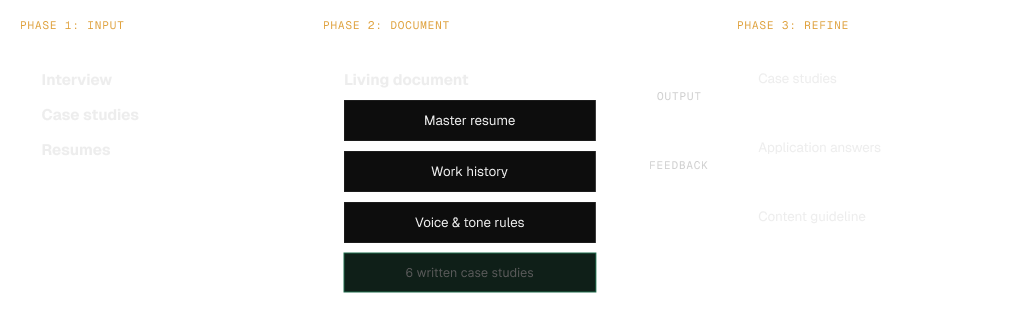
Interview → knowledge base → outputs
Phase 1 input, Phase 2 living document, Phase 3 refine, with output and feedback loop
The interview captured what was in my head. The knowledge base turned it into a source of truth that everything else drew from.

The tradeoffs, the failures, the metrics had all been scattered across Figma, case studies, and pitch decks. Capturing and organizing it with Claude Cowork into one accessible place was what made rebuilding and re-evaluating the case studies possible. I set my writing rules once so everything after sounded like me.

01 · The starting point

Gathering inspiration

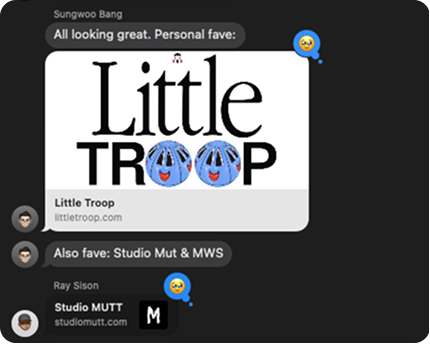
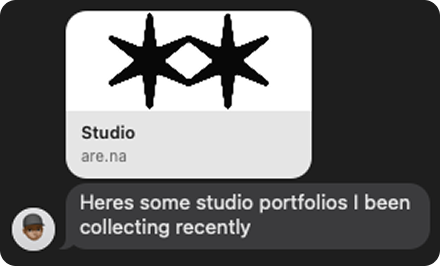
Employing my design friends, I requested portfolio and agency websites that they thought were cool and effective.

Friend sharing studio portfolios from Are.na
Friends recommending Little Troop and Studio MUTT
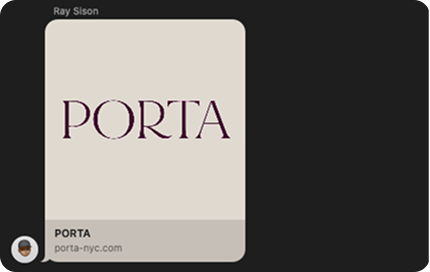
Friend recommending PORTA
Key suggestion: get strongly opinionated designer friends

Feeding Claude a moodboard to create a set of design principles and inspiration to start building a design language.

Dipping into Claude as an exploration first. No plan yet, just pulling the work apart.

02 · The iterations

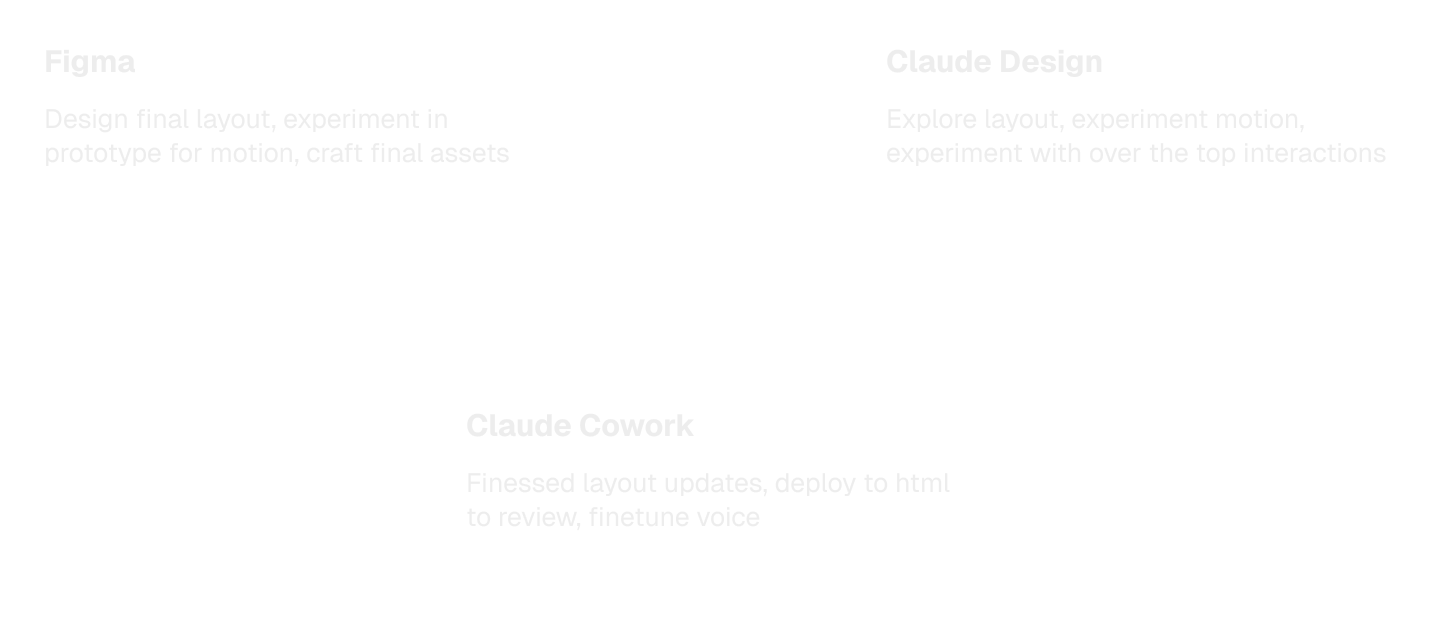
The dance from Claude Design, Cowork, and Figma

The interesting part of this build is not that AI was involved. It is how the work moved between three different surfaces, each good at a different thing, with me steering the handoff at every step.

Click through each stage to see my process.

Claude Design tackled initial design exploration, Figma was to refine ideas on my own terms. Sometimes I’d prototype in Figma to pass to Claude Design, sometimes I’d export Claude Design to Figma. Claude in Cowork was implementation and operations: it wrote the real HTML, CSS, and JS, wired in every asset, and ran the deploy.

The handoff model
Figma and Claude Design both feeding into Claude Cowork
Figma designs the pixels, Claude Design works out the motion, Cowork ships it. The return trip is the built site re-imported into Figma to rethink layout.
03 · Motion

Finessing the experience on a systematic level

Rather than hand-animating every item one by one, I approached it holistically.

  1. Nothing should feel like it just statically appears on screen.
  2. Imagine the objects floating into view.

I also fed Claude a few examples from Figma prototypes as well as how I implemented transitions in Webflow to provide an example. Claude Design worked out the full spec to apply across the whole website.

I handed that spec to Cowork to implement verbatim, then ported it from the home page into the case-study renderer so it replays every time you navigate between projects.

Entrance reveal · the spec
Duration
0.5s
Y offset
22px
Respects
prefers-reduced-motion
On loadOut Quad · staggered cascade
floats in
On scroll-inIn Out Quad
floats in
The spec came from Claude Design. Cowork implemented it once, then it replays on every project switch.
Editorial, image-forward reference
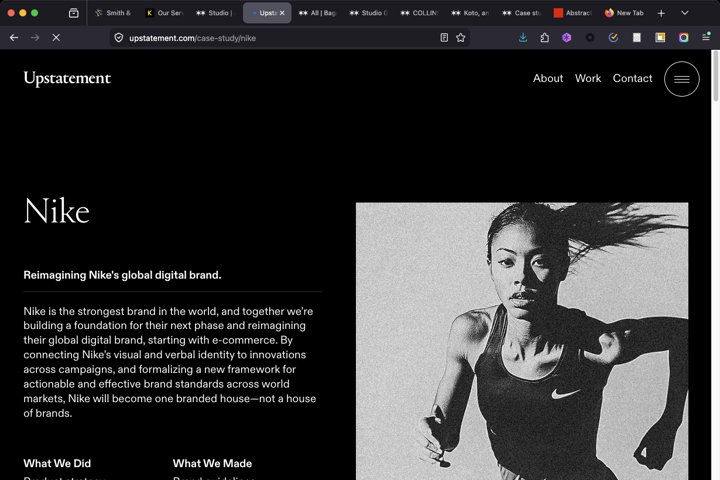
Reference · Upstatement

For rhythm I looked at editorial, image-forward case studies, where large media and generous spacing set the pace and content reveals on scroll.

04 · The honest mess

Key learnings

AI did not make this frictionless. The most instructive moments were the failures, and the judgment it took to recover from them. Three stand out.

Build it out one piece at a time.

Claude is less adept at importing massive amounts of design files to execute, so feeding it in pieces works far better.

Problem

Claude doesn’t like big figma files. Attempting to provide an entire figma file of interactions was a losing game.

Hand off with concrete docs.

Create foundational MDs and hand-off docs: a conversation history and a source of truth for design principles and content. That keeps Design → Cowork seamless so nothing falls through the seams.

Problem

Claude products don’t speak to each other. Passing items back and forth requires deliberate context setting.

Label every layer and group.

When passing Figma to Claude, make sure each layer, group, and autolayout is named. We might not read into it as designers, but it’s part of how Claude interprets the file.

Problem

Structuring your figma file matters. Unnamed layers and bad organizational habits throw off Claude.

The least glamorous part, the web and mobile states that break, was where handing off paid off most. I set the ground rules for what should and could happen on small screens, and Claude implemented and re-tested until they held, then spent the QA pass spotting the bugs I would have missed.

The interesting work was never the layout. It was the plumbing, and the judgment calls no tool will make for you.
05 · By the numbers

What the build added up to

6
case studies, fully rebuilt
0
em dashes, by house rule
1
live, locked site at jinie.design
Closing

AI-first did not mean hands-off

The takeaway is not "AI built my site." It is that AI moved my time from production to the work that actually needs a person: direction, story, and the edge cases. I made every call, and the tools removed the busywork so my attention went where judgment matters. That is the kind of team I want to build with: designers who still design, operating at the level of decisions and outcomes, fast and hands-on, but close enough to the craft to catch where the tool got it wrong.

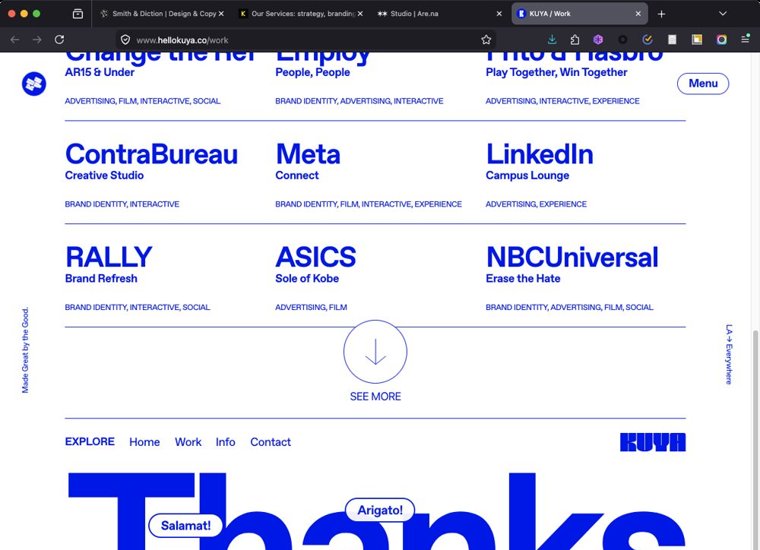
Studio closing and client list
A good sign-off, borrowed in spirit. KOTA